Invoice editor with live totals
Invoice numbers are generated for you, payment terms (Net 7 to Net 60) set the due date, and tax and totals update as you type.
Invoicing app · full source code
InvoiceFlow AI is a ready-to-run invoicing web app for freelancers and small businesses, with AI-written line items and payment reminders. Pay once, get the complete source code, and run it on your own site.
Copying last month's invoice in a document, fixing the numbers, working out the due date, then checking your bank to see who paid. A spreadsheet doesn't tell you which client is three weeks late, and writing that reminder email is the part everyone puts off.
Every feature below is in the app today. Try them in the live demo.
Invoice numbers are generated for you, payment terms (Net 7 to Net 60) set the due date, and tax and totals update as you type.
Type "logo design", click AI describe, and get a clear, professional description your client will understand.
Draft a friendly, firm or final-notice reminder for any unpaid invoice, then copy it or open it in your email app.
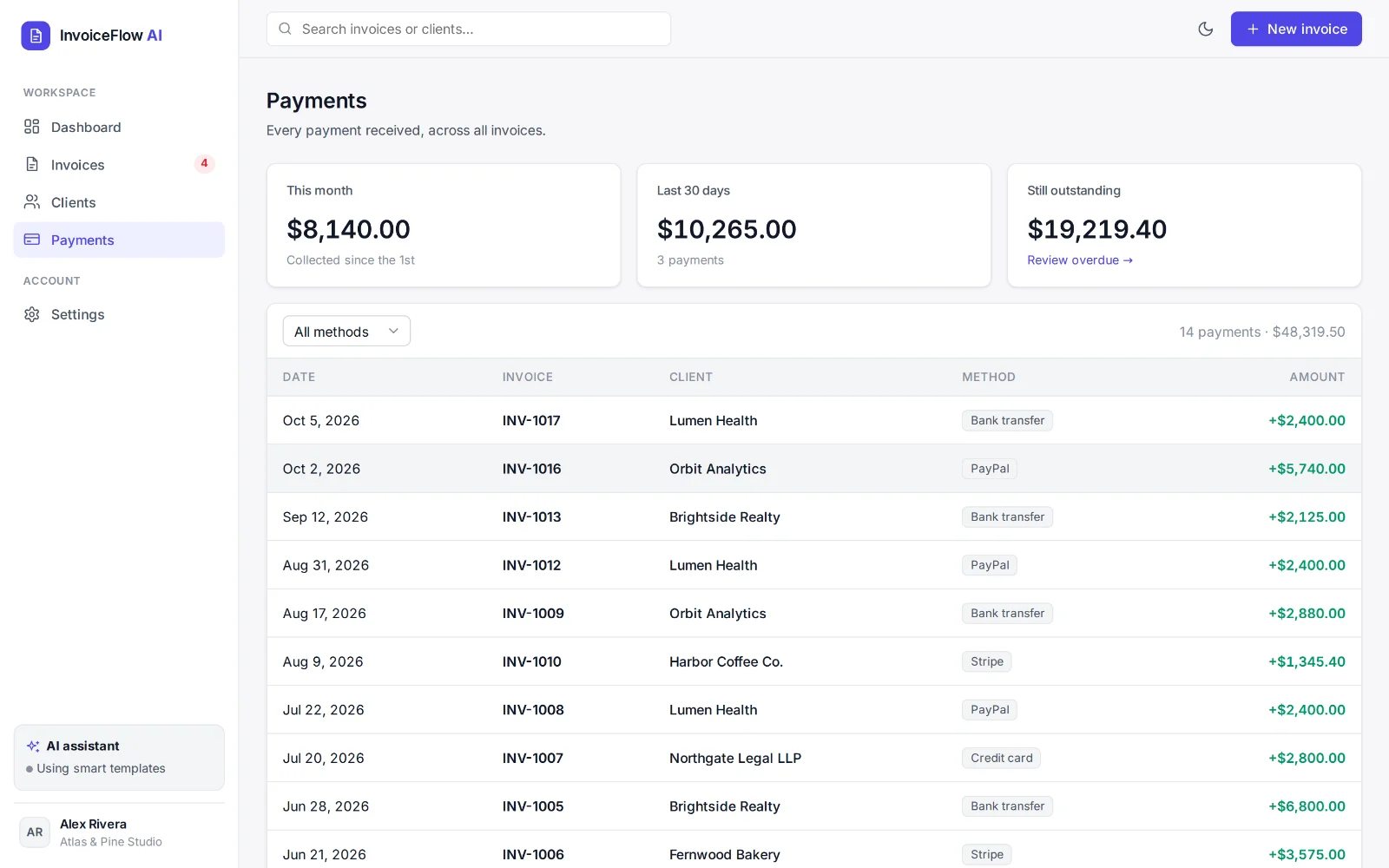
Record partial payments by bank transfer, card, PayPal, Stripe, check or cash. Balances, overdue flags and a full payment log stay current.
A clean, print-ready invoice layout with PAID and OVERDUE stamps. No PDF library needed.
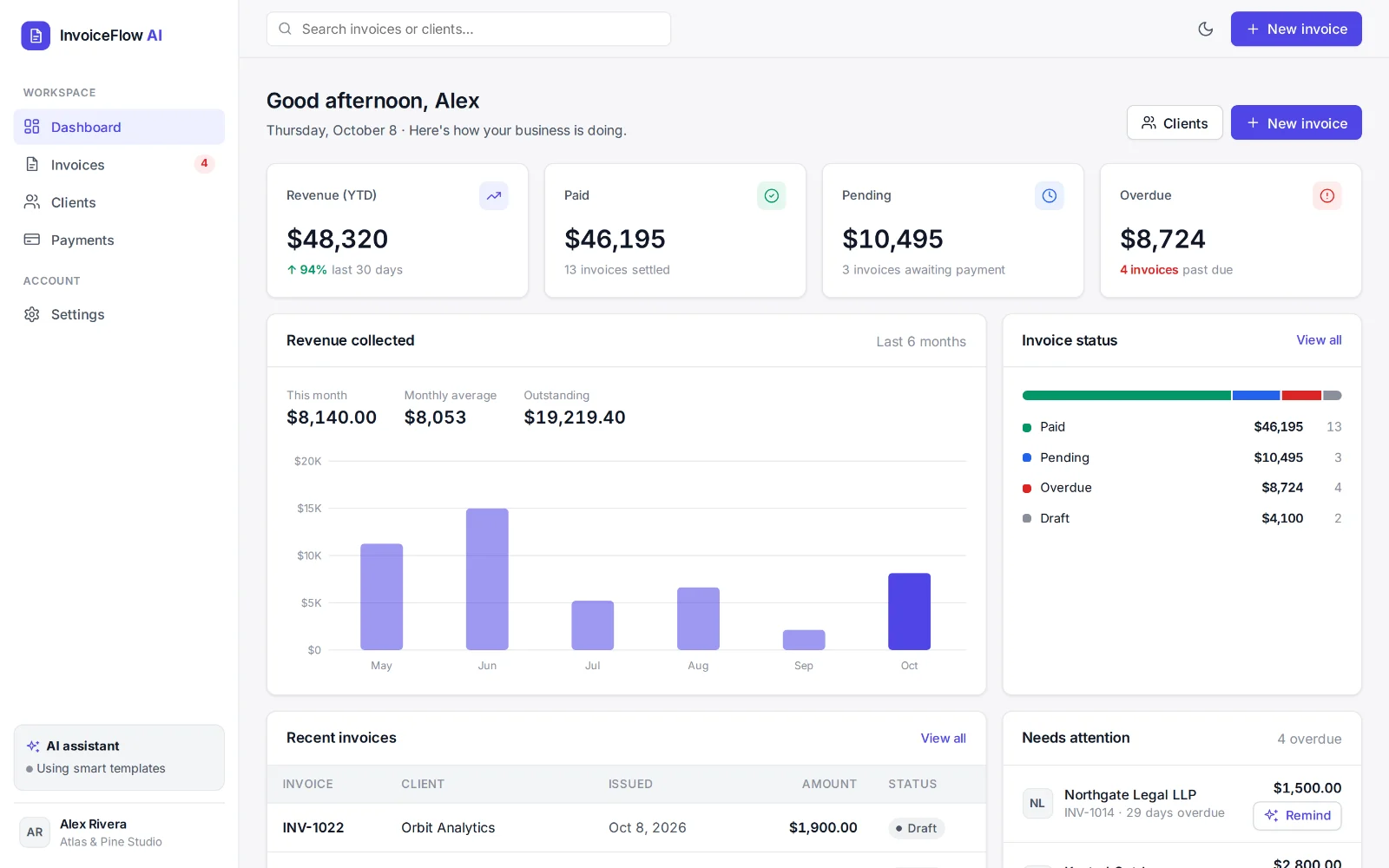
Revenue, paid, pending and overdue totals, a 6-month chart, plus billed and outstanding totals for every client.
Also included: search and status filters, 9 currencies, light and dark mode, a phone-friendly layout, and JSON export for backups.
These are screenshots of InvoiceFlow AI with demo data. The live demo runs in your browser, so click around, create an invoice and write a reminder before you buy.
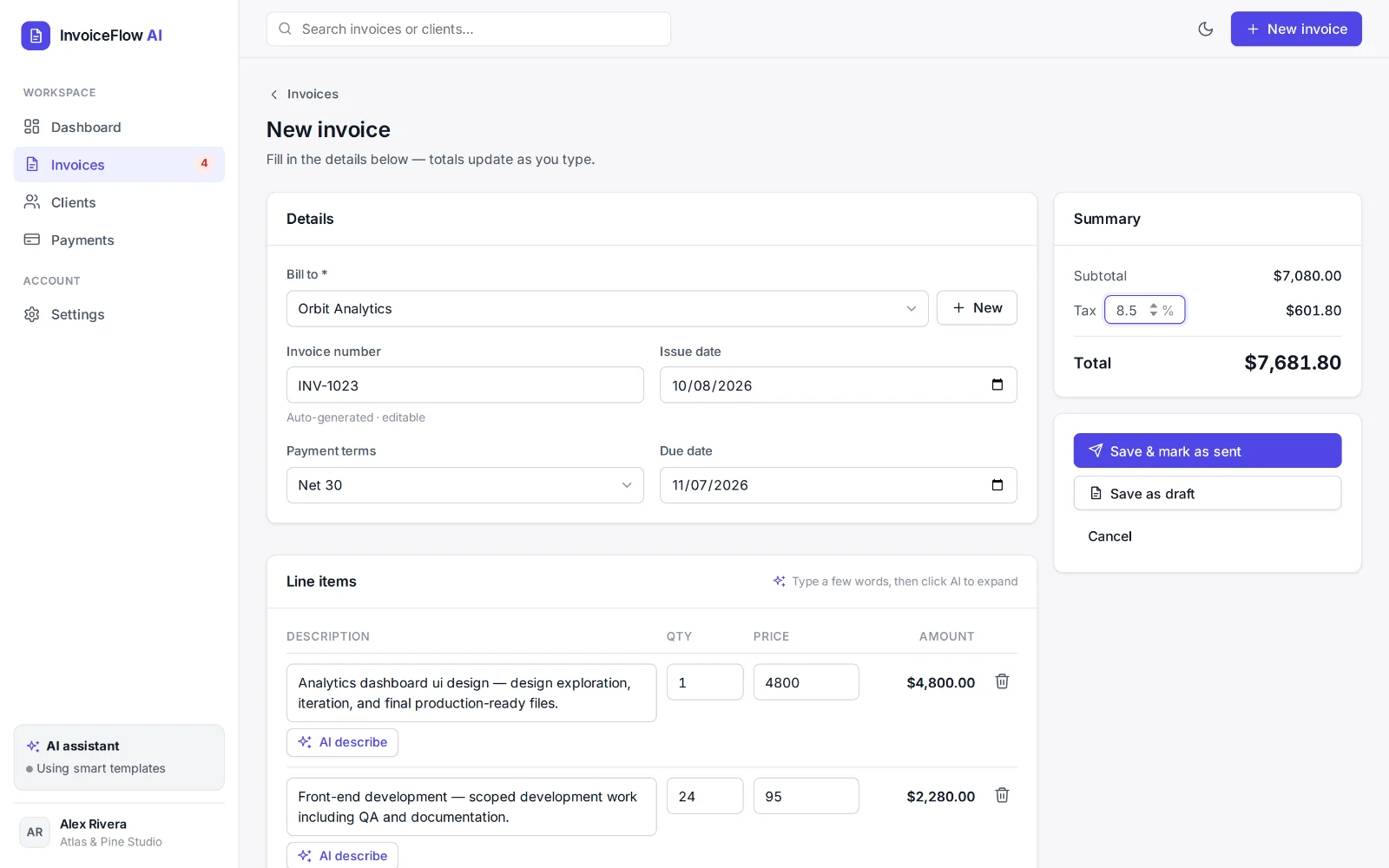
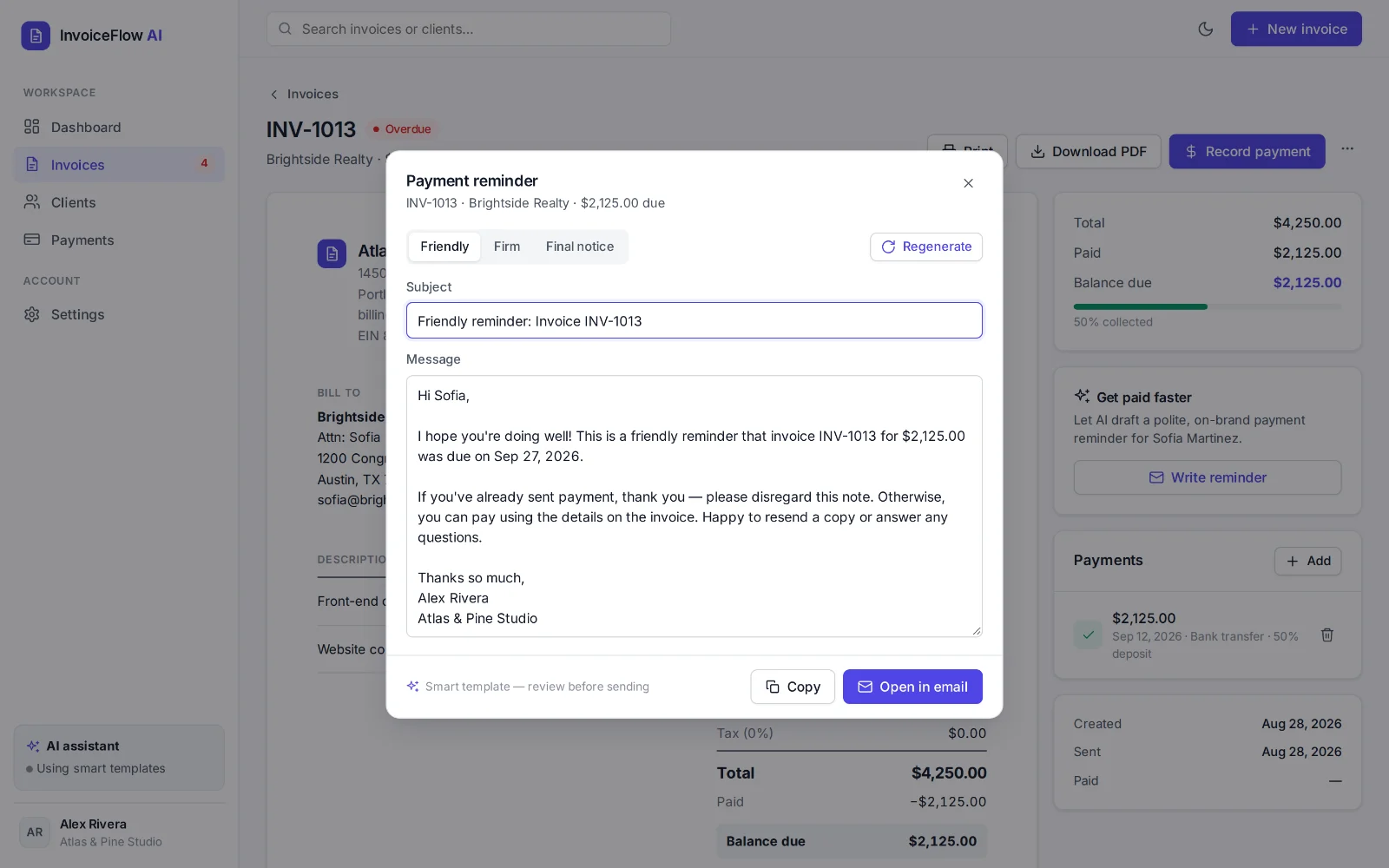
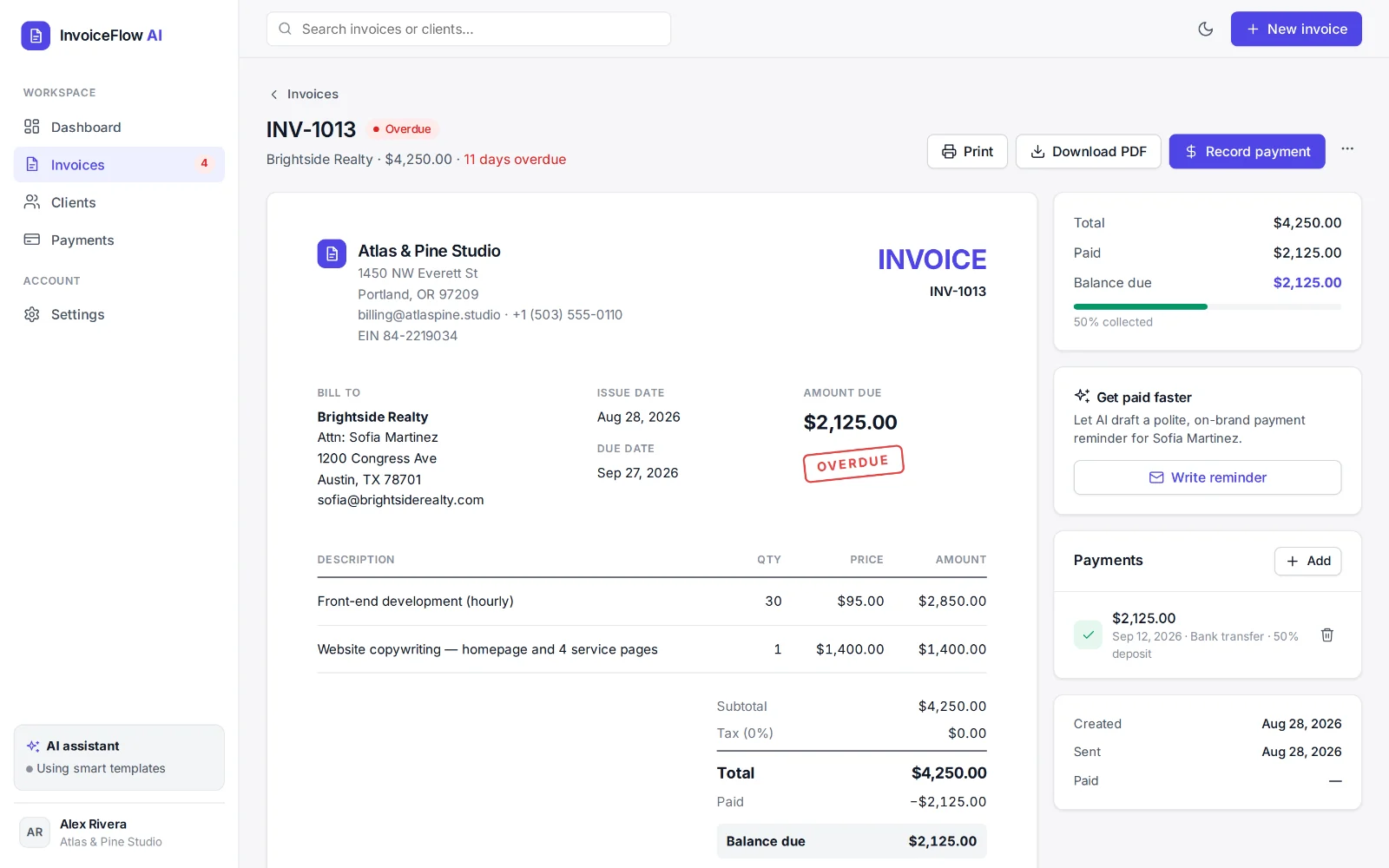
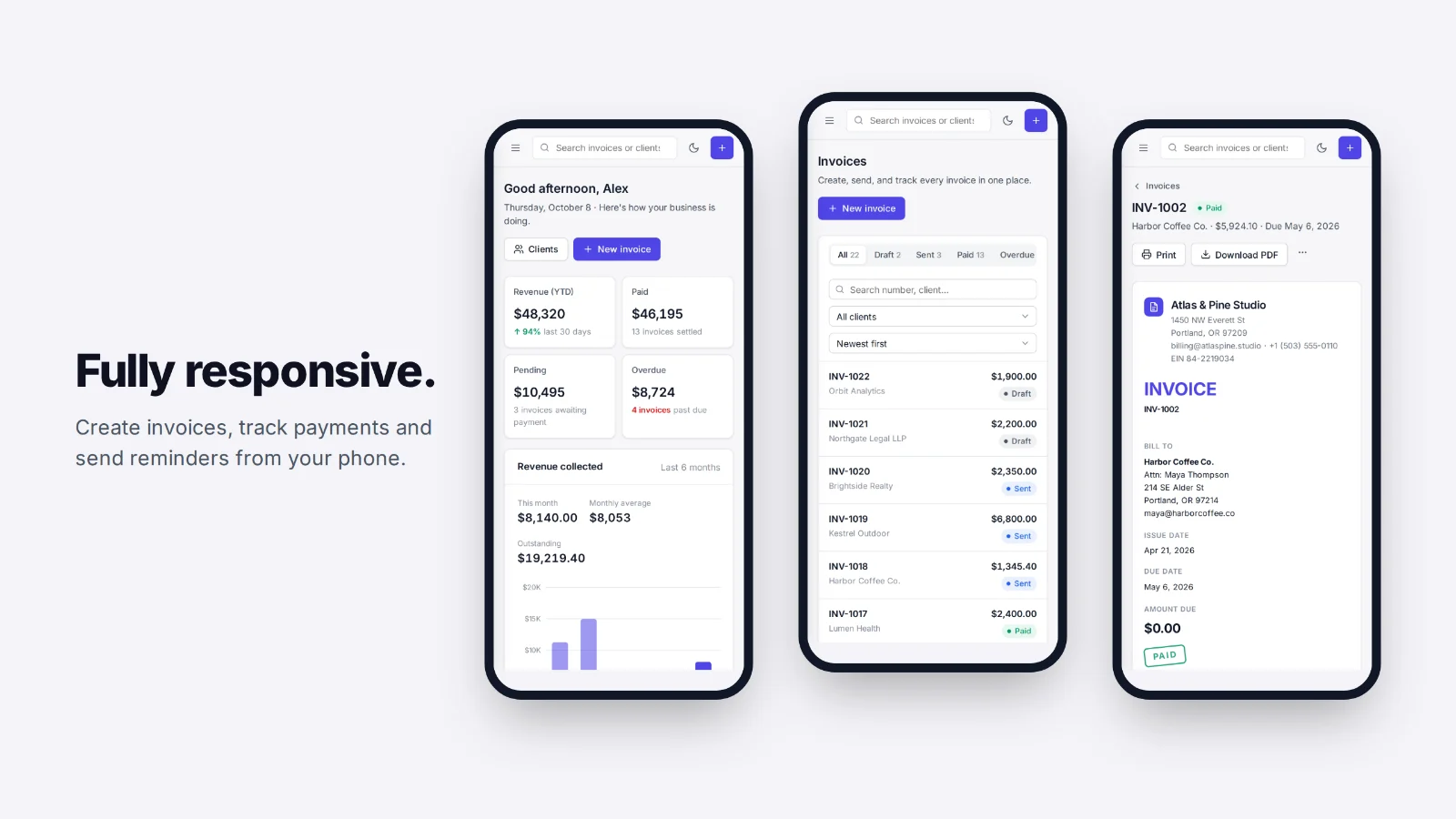
Pick or add a client, choose payment terms, and add line items. Let AI tidy up the descriptions.
Mark it as sent, then print it or save it as a PDF to email to your client.
Record payments as they arrive. Overdue invoices are flagged, and a reminder is one click away.
Designers, developers, writers and consultants who bill clients by the project or the hour.
Teams that want their own branded invoicing tool instead of another monthly subscription.
Anyone who needs a clean starting point for a billing product, or wants to build one for a client.
You'll need to be comfortable running one command (npm start) or uploading a folder to Netlify. The README walks you through both.
One ZIP download with everything needed to run, deploy and customize the app.
$49 one-time
Full source code and Standard commercial license. No subscription.
Get InvoiceFlow AI · $49Secure checkout on Gumroad. Instant download.
The demo is the same app you download. Everything on this page is a real screenshot.
No account, no lock-in. Read it, change it, host it wherever you like.
An independent studio making practical AI software. See our other products at jealabs.netlify.app.
The complete source code of the InvoiceFlow AI web app as a ZIP file, with a README and a Standard commercial license. It's software you run yourself, not a hosted subscription service.
Freelancers and small businesses who want their own invoicing tool, and developers who want a polished starting point for a billing app or client project.
Unzip it and run npm start (Node.js 20 or newer), then open localhost:5173. There's nothing to install. To put it online, drag the public/ folder onto Netlify, or use the Netlify CLI to include the AI endpoint. The README covers each option.
No. Descriptions and reminders work out of the box with built-in writing templates, which is what the live demo uses. To have Claude write them instead, add your own Anthropic API key. Anthropic bills that usage to you directly.
In the browser (localStorage), on each device. There are no user accounts or cloud database. Use Settings → Export JSON for backups. The README explains where to add a backend if you need to sync across devices.
No. You save invoices as PDF and send them yourself, and reminders open in your own email app. You record payments in the app when they arrive; it doesn't process payments.
Yes. The Standard license covers your own business and client projects (one end product per client). You can't resell or share the source code itself as a template.
A one-time payment of $49 through Gumroad's secure checkout. You get the download right after purchase.
Get the full InvoiceFlow AI app and source code for a one-time $49.